Mobile proxies for SEO
Mobile search results depend on region and device, and a site may answer subscribers of different carriers differently. Through a mobile proxy on your own SIM card you see the results and your site the way a smartphone user in your region sees them. The script below checks what mobile visitors get on your pages.
- Region
- wherever the phone works
- HTTP + SOCKS5
- for the browser and scripts
- from 3 min
- automatic IP change interval
- 24 h
- of free access for new customers
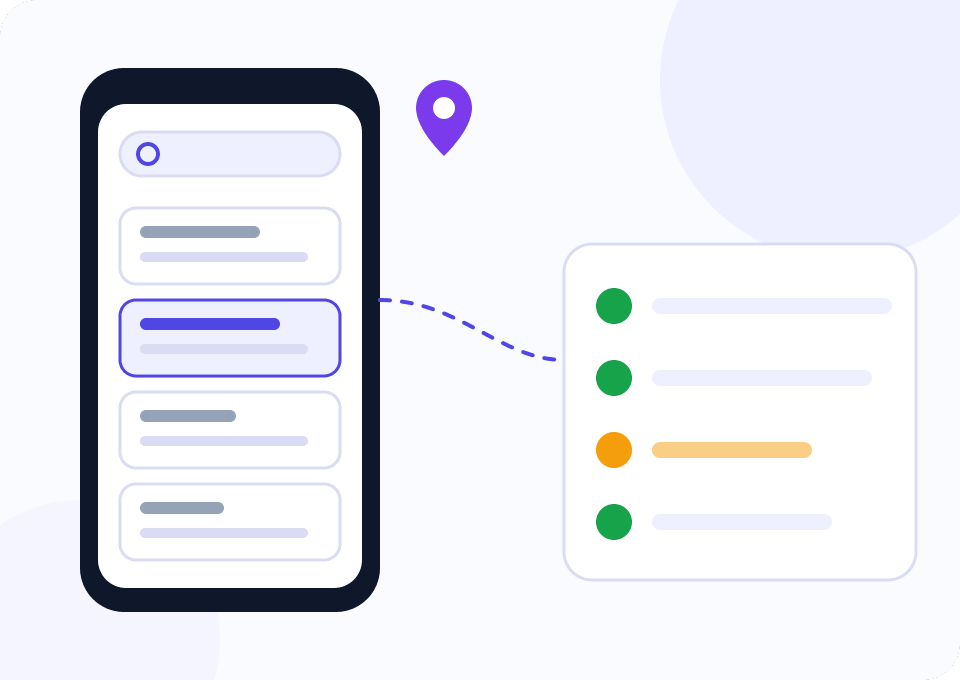
Why an SEO specialist needs a mobile address
Search engines take the user's region into account, and mobile results differ from desktop ones. A check from the office IP shows rankings for the office, while the client cares about what a shopper with a phone in their city sees.
The site can answer differently too. Bot protection sometimes cuts off carrier subnets, a CDN serves a stale copy in one region, and a geo redirect sends mobile visitors to the wrong version. None of this shows from the office computer.
In Mobihub the proxy runs on your phone with a SIM card from the carrier you need. A browser behind such a proxy sees the search results and the site through the eyes of that carrier's mobile subscriber.
Two carriers for a month
The widget opens on Beginner and two devices. Up to 5 Mbps is enough for manual result checks and auditing your pages, and two phones with SIM cards from different carriers show how the networks differ. If you cover more regions, add a phone for each.
How to check search results and your site through a mobile proxy
A manual look at the results and an automatic audit of your pages complement each other.
Connect a phone in the right region
Install Mobihub on an Android phone with a SIM card from a carrier popular with your audience and create a proxy on it.
Set up a separate browser profile
Put the proxy into a separate browser profile or an antidetect browser so the history and cookies of your work browser don't shift the results.
Check the results by hand
Switch the browser to mobile mode and compare rankings and snippets with your rank tracker's report. Search engines quickly stop automated collection of results with a challenge, so we don't script it.
Run an audit of your pages
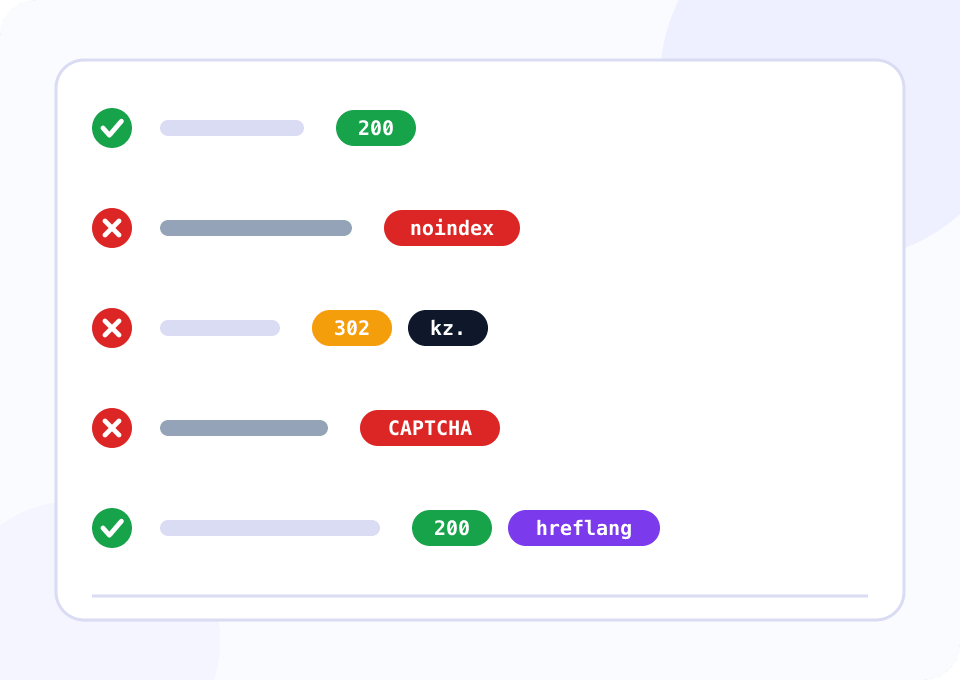
The script below goes through your pages via the proxy and shows what a mobile visitor gets: status code, final address, canonical, hreflang and noindex.
Compare carriers
Run the script through phones on different carriers and compare the reports. Differences in status codes and final addresses point to bot protection, a CDN or a geo redirect.
Script: what a mobile visitor gets on your pages
The script takes URLs from pages.txt, opens each through the mobile proxy with a smartphone User-Agent and records the status code, final address, title, canonical, hreflang and noindex from meta robots and the X-Robots-Tag header. It flags a “verify you are human” page, a redirect to another host, a foreign canonical and a page without viewport, prints such pages and exits with code 1.
import csv
import re
from html.parser import HTMLParser
from urllib.parse import urljoin, urlparse

import requests

PROXY = "http://LOGIN:PASSWORD@HOST:PORT"
PAGES_FILE = "pages.txt"
REPORT_FILE = "seo_mobile_report.csv"
ACCEPT_LANGUAGE = "ru-RU,ru;q=0.9"
BLOCK_PHRASES = ("verify you are human", "are you a robot", "unusual traffic", "access denied", "не робот")
HEADERS = {
    "User-Agent": "Mozilla/5.0 (Linux; Android 14; Pixel 8) AppleWebKit/537.36 "
    "(KHTML, like Gecko) Chrome/126.0 Mobile Safari/537.36",
    "Accept-Language": ACCEPT_LANGUAGE,
}

proxies = {"http": PROXY, "https": PROXY}


class HeadParser(HTMLParser):
    def __init__(self):
        super().__init__()
        self.title = ""
        self.canonical = ""
        self.robots = ""
        self.hreflang = []
        self.viewport = False
        self.in_title = False

    def handle_starttag(self, tag, attrs):
        attrs = {key.lower(): value or "" for key, value in attrs}
        if tag == "title":
            self.in_title = True
        elif tag == "link":
            rel = attrs.get("rel", "").lower().split()
            if "canonical" in rel:
                self.canonical = attrs.get("href", "")
            if "alternate" in rel and attrs.get("hreflang"):
                self.hreflang.append(attrs["hreflang"])
        elif tag == "meta":
            name = attrs.get("name", "").lower()
            if name in ("robots", "googlebot", "yandex"):
                self.robots += " " + attrs.get("content", "").lower()
            if name == "viewport":
                self.viewport = True

    def handle_endtag(self, tag):
        if tag == "title":
            self.in_title = False

    def handle_data(self, data):
        if self.in_title:
            self.title += data


def visible_text(html):
    html = re.sub(r"(?is)<(script|style)\b.*?</\1>", " ", html[:20000])
    return re.sub(r"<[^>]+>", " ", html).lower()


def host(url):
    name = urlparse(url).hostname or ""
    return name[4:] if name.startswith("www.") else name


def audit(url):
    row = {"url": url, "status": "", "final_url": "", "title": "", "canonical": "", "hreflang": "", "robots": "", "issues": ""}
    try:
        response = requests.get(url, headers=HEADERS, proxies=proxies, timeout=30)
    except requests.RequestException as error:
        row.update(status="error", issues=type(error).__name__)
        return row

    page = HeadParser()
    page.feed(response.text)
    robots = (page.robots + " " + response.headers.get("X-Robots-Tag", "").lower()).strip()
    canonical = urljoin(response.url, page.canonical) if page.canonical else ""
    issues = []
    if response.status_code != 200:
        issues.append(f"status {response.status_code}")
    if any(phrase in visible_text(response.text) for phrase in BLOCK_PHRASES):
        issues.append("captcha or block page for this carrier")
    if host(response.url) != host(url):
        issues.append("redirected to another host")
    if "noindex" in robots:
        issues.append("noindex")
    if not canonical:
        issues.append("no canonical")
    elif host(canonical) != host(response.url):
        issues.append("canonical points to another host")
    if not page.viewport:
        issues.append("no viewport meta")

    row.update(
        status=response.status_code,
        final_url=response.url,
        title=" ".join(page.title.split())[:80],
        canonical=canonical,
        hreflang=",".join(page.hreflang),
        robots=robots,
        issues="; ".join(issues),
    )
    return row


def main():
    with open(PAGES_FILE) as f:
        urls = [line.strip() for line in f if line.strip()]

    if not urls:
        raise SystemExit(f"{PAGES_FILE} is empty")
    rows = [audit(url) for url in urls]
    with open(REPORT_FILE, "w", newline="") as f:
        writer = csv.DictWriter(f, fieldnames=list(rows[0].keys()))
        writer.writeheader()
        writer.writerows(rows)

    flagged = [row for row in rows if row["issues"]]
    for row in flagged:
        print(f"{row['url']}  ->  {row['issues']}")
    print(f"checked {len(rows)} pages, {len(flagged)} need attention")
    raise SystemExit(1 if flagged else 0)


if __name__ == "__main__":
    main()
The script checks only your site and doesn't collect search results: search engines serve them to a real browser and quickly show a challenge to automated requests. Look at rankings by hand in a browser through the same proxy. Set ACCEPT_LANGUAGE to your audience's language: otherwise sites that pick the language from the browser send the script to another version.
Which plan SEO needs
Manual checks fit the lower plan; an agency needs the higher one.
Manual checks and audits
Up to 5 Mbps is enough to look at search results and audit your pages. IP change by link and by timer is on this plan too.
- $4 per device for 30 days
- Speed up to 5 Mbps
- IP change by link and by timer
- Login or allowed IP list access
An agency with several projects
When several people and services work through one phone, each can get a separate connection with its own traffic and speed limit. The volume discount pays off with several phones.
- $7 per device for 30 days
- Speed up to 100 Mbps
- Limits on every connection
- Volume discount on devices
How not to skew the check
A clean profile
Search history and a signed-in account shift rankings. Check in a profile with no search engine account and no accumulated history.
Verify the address first
Open the IP check page on the Mobihub site through the same proxy and make sure the address belongs to the right carrier and region.
Checks, not manipulation
A mobile proxy is for looking at results and your site. Faking clicks and manipulating behavioral signals breaks search engine rules and risks penalties for the site.
Same conditions
Compare carriers with the same User-Agent and at the same time. Otherwise the reports differ because of the browser or a results update.
No IP change mid-session
Changing the address during a check resets the region and can trigger a captcha. Set a long automatic change interval or change the IP by link between sessions.
Questions and answers
Will results through the proxy match what my client sees?
Can rankings be collected automatically through mobile proxies?
Why check my own site from a mobile IP?
Do I need a separate phone for each region?
Which User-Agent should I use to check mobile results?
Does changing the IP affect my site's rankings?
Mobile proxies for other tasks
See the results through your client's eyes
Support gives new customers 24 hours of free access. Connect a phone with a SIM card from the right carrier and compare mobile results with your rank tracker's report.
