Your own mobile proxy farm
A mobile proxy farm is a set of Android phones with SIM cards, power, Wi-Fi and software that turns every phone into a proxy and gives you a dashboard to manage them. Mobihub takes care of the software. This page covers the rest: what a launch costs, when it pays back and how to watch over fifty phones.
- $30–150
- market rent for a proxy per month
- up to −32%
- volume discount
- −12%
- when paid for 180 days
- API
- and a Telegram bot for control
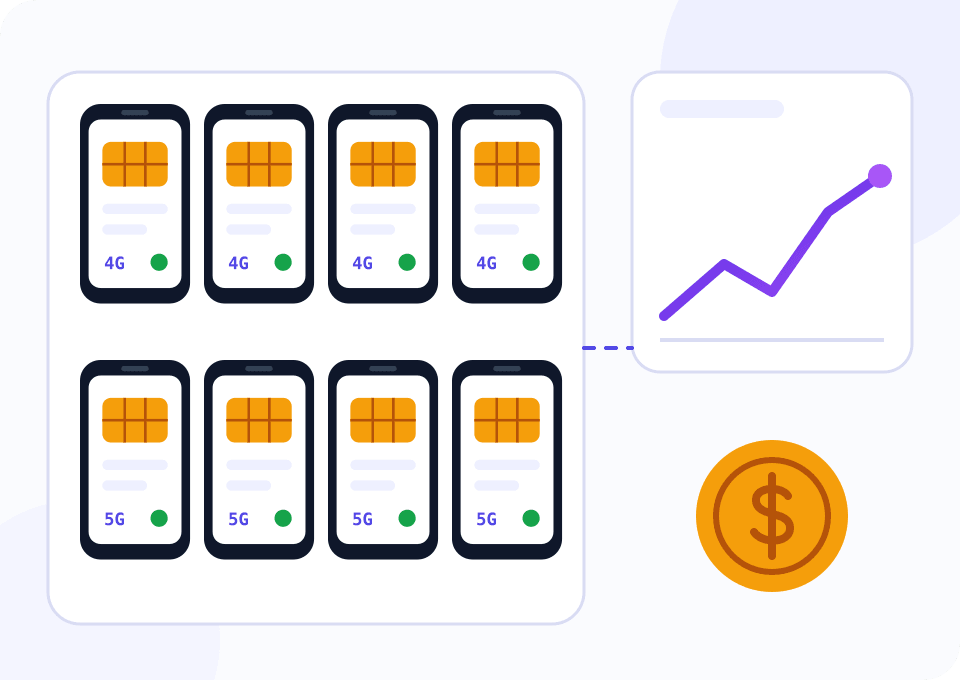
What the economics of a farm consist of
On the open market a mobile proxy rents for $30–150 a month depending on the country and carrier. For first estimates $50–60 per device is a sensible figure. Costs consist of the phone, a SIM card with a large data allowance and the service subscription.
The subscription is the smaller part of the costs, and it shrinks as the farm grows. At fifty devices the volume discount reaches 20%, paying for half a year takes another 12% off, and the two discounts add up. Phones and connectivity remain the main expenses.
This page is about hardware and operations. How to split proxies between buyers, what to put in the terms and when the Mobihub marketplace opens is covered on the reselling page.
Numbers for a fifty-phone farm
The widget opens on Professional with fifty devices and a 180-day period. This is where the volume discount reaches 20% and stacks with the period discount. Move the slider to your scale, and work out the payback including phone costs in the calculator on the pricing page.
How to build a farm step by step
Start with two or three phones: mistakes in choosing a carrier or a model stay cheap that way.
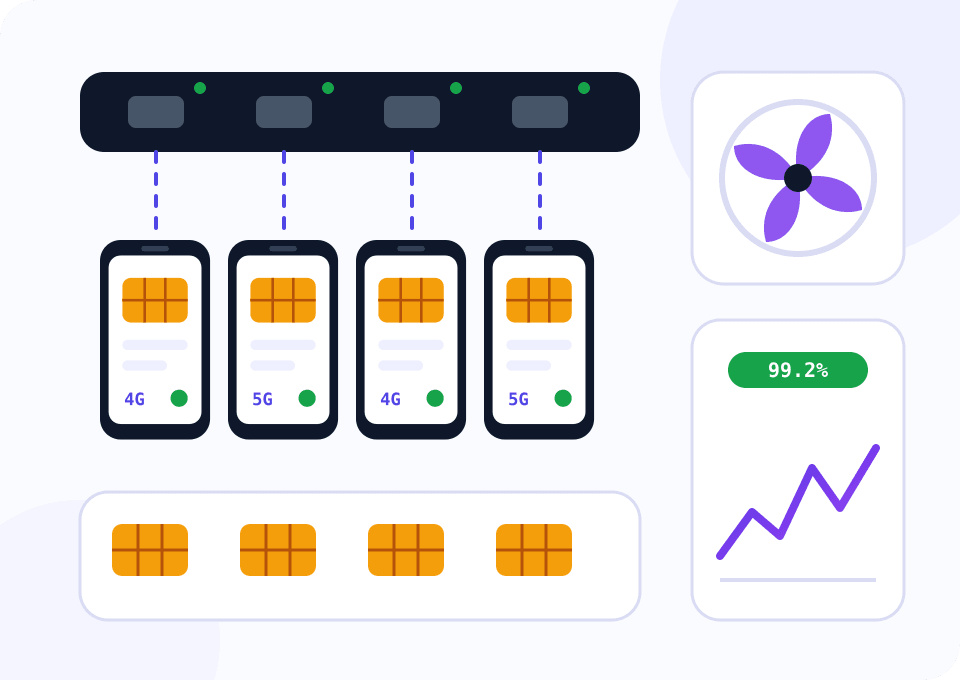
Choose the phones
You need Android 9+, at least 2 GB of RAM and sane background behaviour. TECNO Spark 30 5G, Realme Note 50 and Xiaomi Redmi Note 10S have proven themselves. Samsung S24 FE and Oppo A3s are a poor fit for this job.
Pick the SIM cards
Look for a plan with no tight data cap. Tethering is not involved, traffic goes through the app. Get cards from two or three carriers: buyers often ask for a specific network, and one carrier's outage will not stop the whole farm.
Sort out power and network
The phones charge around the clock, so you need quality powered USB hubs and ventilation. Wi-Fi is required for SmartRelay, which takes outgoing traffic off the SIM card.
Install Mobihub on every phone
Install the app, sign in, turn off battery saving and enable proxy autostart. Name the devices clearly, for example by carrier and slot number.
Set up monitoring
A phone can freeze, update itself or lose the network in the middle of the night. Schedule the script below so you learn about downtime from an alert.
Script: farm availability monitoring
A frozen phone earns nothing, and without monitoring you are the last to find out. Every five minutes the script polls all proxies from farm.csv and calculates the availability percentage, median latency and number of distinct addresses per phone. It prints devices below the 95% threshold and exits with code 1, which plugs neatly into alerts.
import csv
import statistics
import time

import requests

FARM_FILE = "farm.csv"
REPORT_FILE = "farm_uptime.csv"
IP_ECHO = "https://api.ipify.org"
ROUNDS = 12
INTERVAL = 300
SLA = 95.0


def probe(proxy):
    started = time.time()
    try:
        response = requests.get(IP_ECHO, proxies={"http": proxy, "https": proxy}, timeout=15)
        response.raise_for_status()
    except requests.RequestException:
        return None, None
    return response.text.strip(), (time.time() - started) * 1000


def main():
    with open(FARM_FILE, newline="") as f:
        phones = list(csv.DictReader(f))

    history = {phone["name"]: {"ok": 0, "timings": [], "ips": set()} for phone in phones}
    for number in range(ROUNDS):
        for phone in phones:
            ip, elapsed = probe(phone["proxy"])
            if ip:
                record = history[phone["name"]]
                record["ok"] += 1
                record["timings"].append(elapsed)
                record["ips"].add(ip)
        if number < ROUNDS - 1:
            time.sleep(INTERVAL)

    failing = []
    with open(REPORT_FILE, "w", newline="") as f:
        writer = csv.writer(f)
        writer.writerow(["phone", "uptime_percent", "median_ms", "distinct_ips"])
        for name, record in history.items():
            uptime = round(record["ok"] / ROUNDS * 100, 1)
            median = round(statistics.median(record["timings"])) if record["timings"] else ""
            writer.writerow([name, uptime, median, len(record["ips"])])
            if uptime < SLA:
                failing.append(f"{name} ({uptime}%)")

    print(f"phones below {SLA}% uptime: {', '.join(failing) or 'none'}")
    raise SystemExit(1 if failing else 0)


if __name__ == "__main__":
    main()
farm.csv has two columns: name and proxy. One run with default settings takes an hour. Schedule it on a server that does not share a network with the farm.
Which plan a farm needs
As the rack grows, the difference between the plans becomes fundamental.
Testing the waters on one or two phones
Good for checking a carrier, a phone model and the demand for your location. There are no per-connection limits, so splitting one proxy between buyers is risky.
- $4 per device for 30 days
- Up to 15 connections with separate logins
- IP change by link and by timer
- Connection logs kept for a year
A rack of five phones or more
Volume discounts exist on this plan only. Unique IP rules out a repeated address after rotation, SmartRelay takes outgoing traffic off the SIM cards, and per-connection limits stop one task from draining the whole allowance.
- $7 per device for 30 days
- 20% off from 50 devices, 24% from 100
- Period discount up to 20%
- Limits per connection
Mistakes people make at the start
Buying twenty phones at once
First check on two devices how your carrier hands out addresses and how the phone model handles background work. Scale what already works.
Saving on power
A cheap hub without its own power supply cannot feed ten phones. Devices reboot and batteries swell from overheating.
One carrier for the whole farm
An outage or a change in plan rules at the carrier stops all income. Two or three networks cost slightly more and save you on such days.
Phones without ventilation
Ten handsets charging in a closed box heat each other up. Leave gaps between the phones and add an ordinary fan.
Automatic system updates
An overnight Android update reboots the phone and sometimes resets the app's permissions. Turn auto-updates off and update devices one at a time when it suits you.
Questions and answers
How much can a mobile proxy farm earn?
Why is the widget calculation set to fifty devices and half a year?
How many phones should a farm start with?
Does charging around the clock harm the phones?
How much traffic does one phone use?
Can I manage the farm without opening the dashboard?
Mobile proxies for other tasks
Start with two phones
Check the carrier, the model and the demand for your location before big purchases. Support gives new customers 24 free hours, and the payback calculator is waiting on the pricing page.
