Mobile proxies for Instagram
Behind every carrier address Instagram sees hundreds of ordinary subscribers, so it treats those IPs far more calmly than server ranges. Mobihub turns your Android phone with a SIM card into that kind of proxy, and you are the only one who can use it.
- 5 min
- to the first proxy
- 3–5
- profiles per phone
- from $4
- per device for 30 days
- 24 h
- free trial
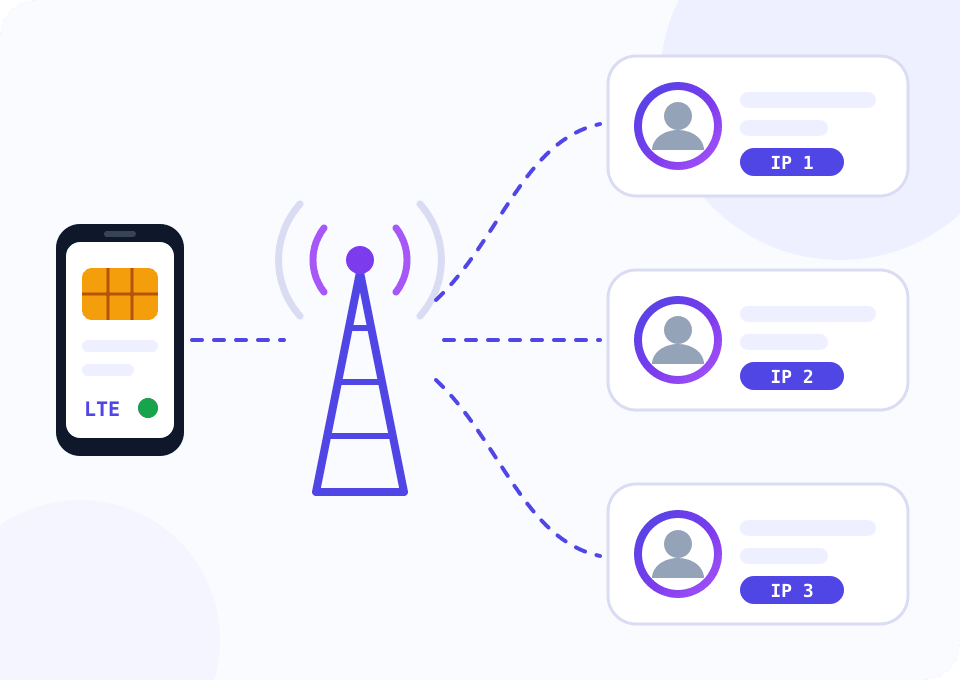
Why profiles die on server addresses
Datacenter ranges were catalogued long ago. Five profiles logging in from one of those IPs look like a bot to Instagram. SMS checks, dropped sessions and quietly throttled reach follow.
A mobile carrier puts hundreds of subscribers behind one public address, which is how CGNAT works. Banning it outright would hurt real people, so the platform rarely does. That is why SMM agencies and teams that run client accounts work through mobile IPs.
With Mobihub the proxy runs on your phone with your SIM card. Nobody shares the channel with you, and the reputation of the address depends on the carrier alone.
What an Instagram phone farm costs
The widget opens on the Professional plan with five phones. That setup covers a small agency with 15–25 profiles, and five devices unlock the first volume discount. Move the slider to match your own scale.
How to route Instagram through your own phone
Unboxed phone to working profile takes about half an hour, and Mobihub itself accounts for five minutes of it.
Prepare a phone and a SIM
Any Android from version 9 will do, no root required. Insert a SIM from the country where the account audience lives and make sure mobile data works with Wi-Fi off.
Install the Mobihub app
Get it from Google Play or download the APK from the site, then sign in. The phone shows up in the dashboard on its own. Turn off battery saving for the app, otherwise Android puts it to sleep within a couple of hours.
Create a proxy and a connection
Pick the device, plan and period in the dashboard. For the connection, set a login and password or add your work computer's IP to the allowed list.
Bind the proxy to a profile
Paste the host, port, login and password into your antidetect browser or emulator settings. Keep each browser profile on one phone and do not move it between phones.
Rotate the IP between sessions
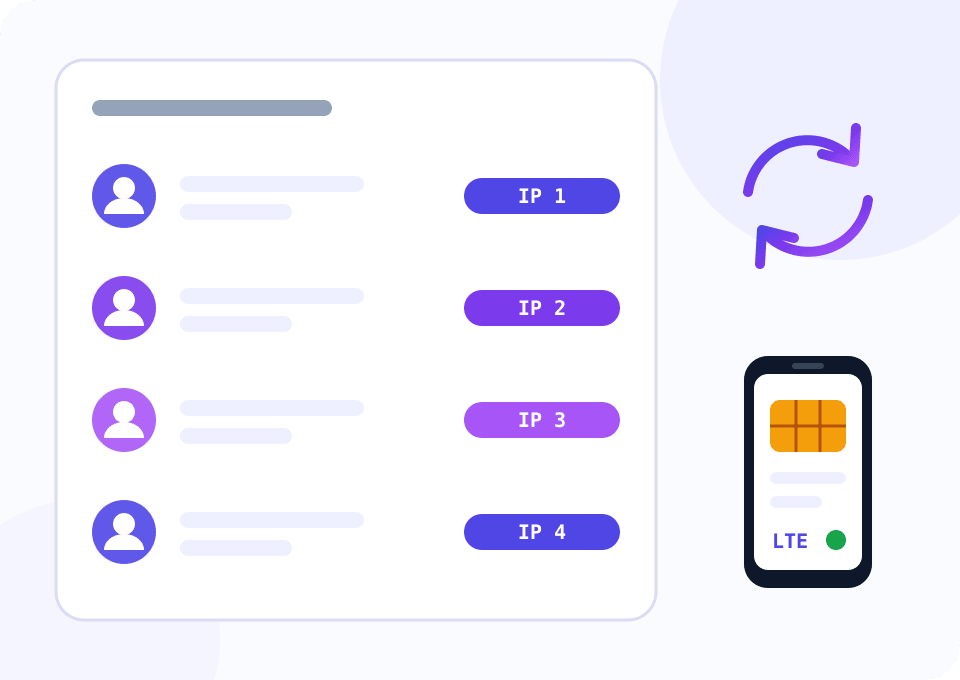
Copy the IP change link from the proxy page. A GET request to it flips the phone into airplane mode for a few seconds and the carrier hands out a new address. Call it before logging in to the next account.
Script: a separate IP for every session
The script reads accounts from accounts.csv and, before each session, keeps rotating until it gets an address that has not been used today. sessions.csv keeps a journal of who worked when and from which IP. It helps when the platform asks you to confirm a login.
import csv
import time
from datetime import datetime, timezone

import requests

PROXY = "http://LOGIN:PASSWORD@HOST:PORT"
ROTATE_URL = "https://mobihub.biz/api/v1/proxies/PROXY_ID/ip"
IP_ECHO = "https://api.ipify.org"
ACCOUNTS_FILE = "accounts.csv"
LOG_FILE = "sessions.csv"
ROTATE_TIMEOUT = 90
MAX_ROTATIONS = 6

proxies = {"http": PROXY, "https": PROXY}


def exit_ip():
    return requests.get(IP_ECHO, proxies=proxies, timeout=15).text.strip()


def rotate(previous_ip):
    requests.get(ROTATE_URL, timeout=15).raise_for_status()
    deadline = time.time() + ROTATE_TIMEOUT
    while time.time() < deadline:
        time.sleep(5)
        try:
            current = exit_ip()
        except requests.RequestException:
            continue
        if current != previous_ip:
            return current
    raise TimeoutError("IP did not change, check the airplane mode permission on the phone")


def main():
    with open(ACCOUNTS_FILE, newline="") as f:
        accounts = [row["account"] for row in csv.DictReader(f)]

    used = set()
    current = exit_ip()
    with open(LOG_FILE, "a", newline="") as f:
        log = csv.writer(f)
        for account in accounts:
            attempts = 0
            while current in used:
                attempts += 1
                if attempts > MAX_ROTATIONS:
                    raise SystemExit(f"the carrier keeps returning used addresses, stopped before {account}")
                current = rotate(current)
            used.add(current)
            started = datetime.now(timezone.utc).isoformat(timespec="seconds")
            log.writerow([started, account, current])
            f.flush()
            input(f"{account}: session IP is {current}. Press Enter when you are done ")


if __name__ == "__main__":
    main()
Requires Python 3.9+ and the requests library. Fill in the connection details and the IP change link from your dashboard.
Which plan fits Instagram work
Both plans give you a real mobile IP and rotation by link. They differ in speed, limits and service features.
A personal blog and a couple of client profiles
Up to 35 Mbps is more than enough for the feed, stories and direct messages. One proxy can hold up to 15 connections with separate logins.
- $4 per device for 30 days
- HTTP, SOCKS5 and UDP
- Login and password or an allowed IP list
- Control through the Telegram bot
An agency with dozens of profiles
The Unique IP feature compares the new address with the previous one after rotation and retries if they match. Unlimited speed pays off when you upload Reels.
- $7 per device for 30 days
- Discount from 6% starting at five devices
- Unique IP and SmartRelay
- Traffic and speed limits per connection
Five habits that keep profiles alive
One phone for 3–5 profiles
This is the working rule of thumb among agencies. The more accounts sit on one SIM, the more obvious the pattern in login times becomes.
A session stays on one address
Leave the IP alone while a profile is open. A change in the middle of a session looks like a hijack and often ends with a code request.
A SIM from the audience's region
An account of a Berlin coffee shop naturally logs in from a German number. The address location and the profile language should agree.
Warm up new profiles by hand
Spend the first week scrolling and following manually. A mobile address removes questions about the IP, while trust in the account itself is earned by behaviour.
Timed rotation for schedulers
If posts go out on a schedule, enable automatic IP change with an interval from 3 minutes to 10 days and stop calling the link by hand.
Questions and answers
How many Instagram accounts can one phone handle?
Why does the pricing widget open on five devices?
Will a regular consumer SIM plan work?
How fast does the IP change after I call the link?
Do I still need an antidetect browser if I have a mobile proxy?
What happens if the phone reboots overnight?
Mobile proxies for other tasks
Test it on your own account for a day
Support gives new customers 24 hours of free access. Connect a phone, open a working profile through the proxy and see how Instagram reacts to your carrier's address.
