Mobile proxies for Telegram
Telegram remembers the addresses an account logs in from and terminates sessions when dozens of profiles work through one server IP. A carrier address from your own phone looks like an ordinary subscriber to it, and you are the only one using that address.
- SOCKS5
- native protocol of Telegram clients
- 1 tap
- setup through a t.me/socks link
- from $4
- per device for 30 days
- −8%
- when paid for 90 days
Why sessions drop on shared proxies
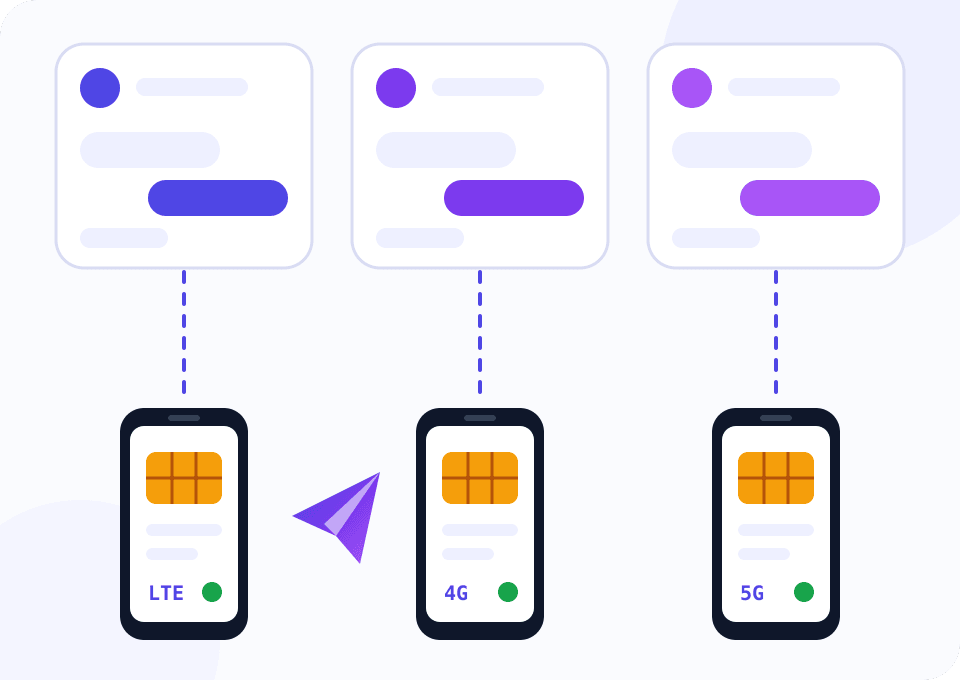
Telegram ties a session to a device and a network. When dozens of accounts work from one datacenter address, antispam treats them as one farm. Sessions get terminated and accounts are restricted from messaging strangers.
Public and cheap SOCKS5 proxies are shared by hundreds of people. Such an address already carries spam reports, and your account inherits that reputation the moment it logs in.
Support teams, community managers and owners of channel networks pin a separate mobile address to each account. In Mobihub that address comes from your own phone. Telegram encrypts the conversation itself, so the proxy sees nothing but an encrypted stream.
A messenger is fine on the entry plan
The widget opens on Beginner with three phones and a 90-day period. Telegram uses little traffic and needs no speed, so Professional only matters here for volume discounts. Paying quarterly takes 8% off.
How to connect Telegram accounts to your own proxy
Telegram clients support SOCKS5 out of the box, no third-party software required.
Get a SIM from the accounts' country
An account with a UK number looks natural on a UK address. Any phone on Android 9 or newer will do.
Create a proxy in the dashboard
Install the Mobihub app on the phone, sign in and create a proxy. HTTP and SOCKS5 share one port, so there is nothing extra to enable.
Set a login and password on the connection
A Telegram client on an employee's laptop goes online from different addresses, which makes an allowed IP list awkward here. Login and password work from any network.
Send yourself a t.me/socks link
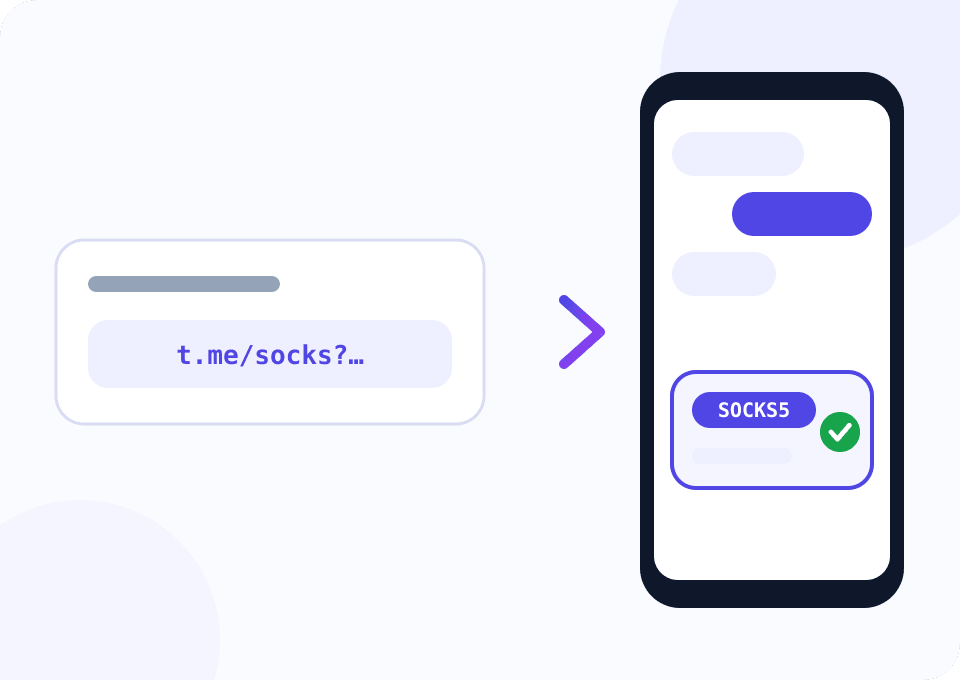
A t.me/socks link with server, port, user and pass parameters opens in Telegram and adds the proxy in one tap. The script below builds these links for your whole list of phones.
Pin the account to a phone
An account keeps working through the same phone. Hopping between carriers every week looks more suspicious to Telegram than a steady address.
Script: one-tap connection links
The script reads a table of your proxies, checks that Telegram servers are reachable through each one and measures latency. For working proxies it builds t.me/socks links and saves them to a file. Forward a link to a teammate's Saved Messages and they are done.
import csv
import time
from urllib.parse import urlencode

import requests

SOURCE_FILE = "mobihub_proxies.csv"
TELEGRAM_API = "https://api.telegram.org"
LINKS_FILE = "telegram_links.txt"
SLOW_MS = 1500


def check(row):
    proxy = f"http://{row['login']}:{row['password']}@{row['host']}:{row['port']}"
    started = time.time()
    try:
        requests.get(TELEGRAM_API, proxies={"http": proxy, "https": proxy}, timeout=15)
    except requests.RequestException as error:
        return None, type(error).__name__
    return round((time.time() - started) * 1000), "ok"


def socks_link(row):
    query = urlencode(
        {"server": row["host"], "port": row["port"], "user": row["login"], "pass": row["password"]}
    )
    return f"https://t.me/socks?{query}"


def main():
    with open(SOURCE_FILE, newline="") as f:
        rows = list(csv.DictReader(f))

    links = []
    for row in rows:
        latency, state = check(row)
        if latency is None:
            print(f"{row['name']:<12} DOWN   {state}")
            continue
        note = "slow, pick a closer server in the proxy settings" if latency > SLOW_MS else ""
        print(f"{row['name']:<12} {latency:>5} ms  {note}")
        links.append(f"{row['name']}\t{socks_link(row)}")

    with open(LINKS_FILE, "w") as f:
        f.write("\n".join(links) + "\n")
    print(f"{len(links)} of {len(rows)} links saved to {LINKS_FILE}")


if __name__ == "__main__":
    main()
Columns of mobihub_proxies.csv: name, host, port, login, password. The link exposes the connection password, so send it only to the person who will work with the account.
Which plan Telegram work needs
Here the difference between plans comes from team size, not from load.
A few accounts and your own channel network
Every teammate can get a separate login, a proxy holds up to 15 of them. 35 Mbps covers video forwarding too.
- $4 per device for 30 days
- SOCKS5 and HTTP on one port
- Login and password access
- IP change by link
A support department or an agency
Every employee gets a separate connection with its own limit. When someone leaves, you switch off their access and nobody else is affected.
- $7 per device for 30 days
- Discount from 6% starting at five devices
- Up to 30 connections with separate logins
- Limits per connection
What keeps accounts alive for long
Two-step verification on every account
A proxy protects accounts from being linked by address. A cloud password protects the session from hijacking, so enable it before you start.
Do not rotate the IP mid-conversation
An address change drops the client's connection. Do it between shifts, while the client is closed.
A new account starts small
Spend the first days joining a couple of chats and talking to contacts. Mass invites from day one lead to restrictions on any address.
The nearest server for calls
Voice calls are sensitive to latency. Pick the nearest server in the proxy settings and check the delay with the script.
Bots live separately
The Bot API does not need a mobile address. Keep bots on a server, mobile proxies are for user accounts.
Questions and answers
How many Telegram accounts should run through one phone?
Why does the Telegram widget open on Beginner and 90 days?
Is this a SOCKS5 or an MTProto proxy?
Can the proxy read my messages?
Can I register new accounts through a mobile proxy?
Will calls and video messages work?
Mobile proxies for other tasks
Connect the first account this evening
Install the app on a phone, create a proxy and open the t.me/socks link in your own Telegram. Support gives every new account 24 free hours for testing.
