Mobile proxies for antidetect browsers
An antidetect browser spoofs the device fingerprint, but it cannot conjure an address. Mobihub supplies the other half: a mobile IP from your own phone and an IP change link that the browser calls with a button on the profile.
- −16%
- discount from 20 devices
- HTTP / SOCKS5
- both protocols on every proxy
- GET
- IP change with a plain link
- API
- to automate the farm
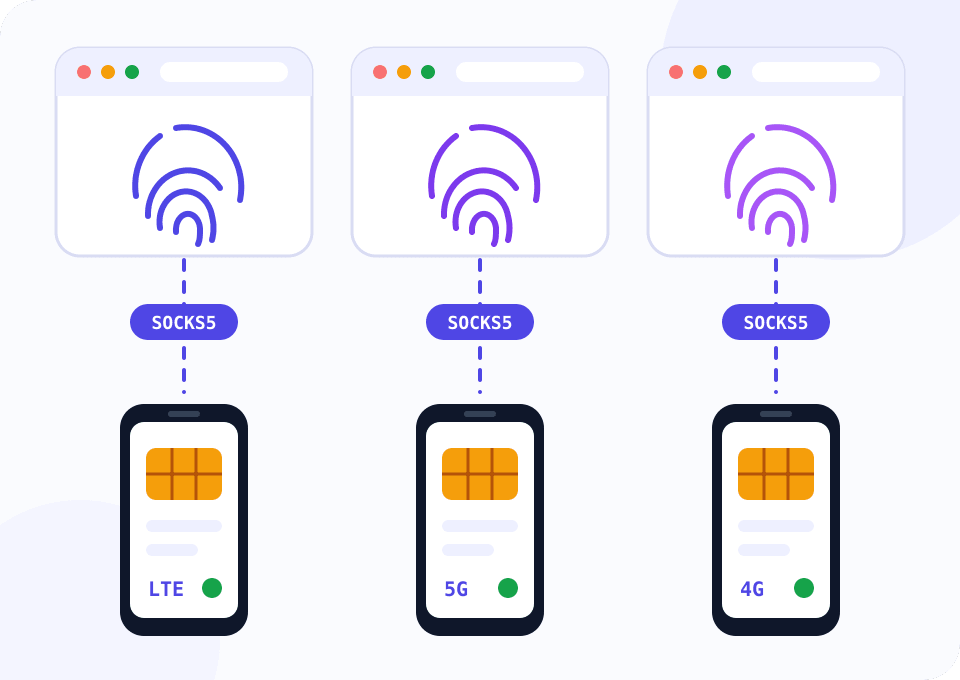
A fingerprint without an address does not work
Platforms compare dozens of browser parameters together with the IP a request came from. Twenty flawless profiles on one address get linked after a single login.
Every popular antidetect browser has a proxy field and an IP change URL field on the profile. They exist for mobile proxies: the browser shows a button next to the profile, calls the link, and the carrier assigns the phone a new address.
With Mobihub you copy both lines from the proxy page in the dashboard. The phones and SIM cards are yours, so there are no neighbours in the pool who spoiled the address before you.
A farm of twenty phones
The widget is set to Professional and twenty devices. This is a typical rack for a team running 60–100 profiles, and the discount at that volume is 16%. Drag the slider to 50 to see the next tier.
How to attach proxies to browser profiles
Field names differ from browser to browser, the order of actions stays the same.
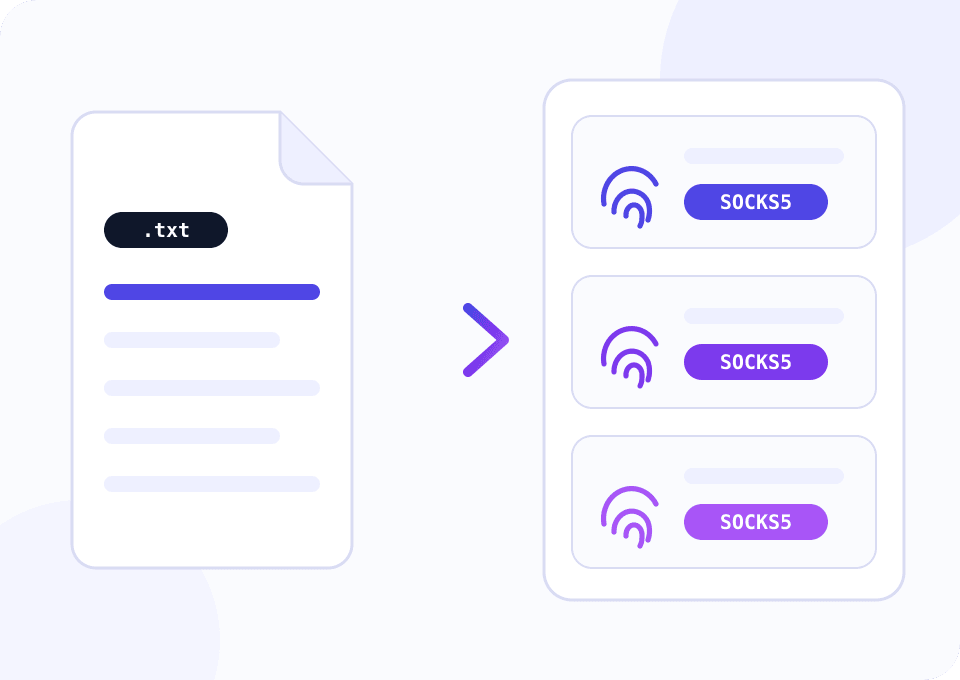
Collect the proxy details in the dashboard
On the proxy page copy the host, port, login and password of the connection. The IP change link is on the same page, you will need it in step four.
Choose a protocol
Dolphin Anty, Octo Browser, AdsPower, Multilogin and GeeLark accept both HTTP and SOCKS5. For GeeLark cloud phones and anything involving UDP go with SOCKS5.
Add the proxy to a profile
Most browsers understand a host:port:login:password line and a socks5://login:password@host:port address. The script below builds both lists for bulk import.
Paste the IP change link
In Dolphin Anty and Octo Browser the field sits on the proxy card, in AdsPower it is called the refresh URL. After that the profile gets a button that changes the address.
Check the profile before work
Run the browser's built-in proxy check. The profile's country and time zone should match what the SIM's address reports.
Script: export proxies for bulk import
Filling in twenty profiles by hand is slow, and typos creep into that kind of work. The script reads a table of your proxies, checks that each one is reachable and writes two import files in different formats. The report also shows which phones currently share the same exit address.
import csv

import requests

SOURCE_FILE = "mobihub_proxies.csv"
IP_ECHO = "https://api.ipify.org"


def is_alive(row):
    proxy = f"http://{row['login']}:{row['password']}@{row['host']}:{row['port']}"
    try:
        response = requests.get(IP_ECHO, proxies={"http": proxy, "https": proxy}, timeout=15)
        return response.text.strip()
    except requests.RequestException:
        return None


def main():
    with open(SOURCE_FILE, newline="") as f:
        rows = list(csv.DictReader(f))

    colon_lines, url_lines, report = [], [], []
    for row in rows:
        ip = is_alive(row)
        report.append({"name": row["name"], "exit_ip": ip or "", "state": "ok" if ip else "down"})
        if not ip:
            continue
        colon_lines.append(f"{row['host']}:{row['port']}:{row['login']}:{row['password']}")
        url_lines.append(
            f"socks5://{row['login']}:{row['password']}@{row['host']}:{row['port']}"
            f"    {row['name']}    {row['rotate_url']}"
        )

    with open("import_host_port_login_password.txt", "w") as f:
        f.write("\n".join(colon_lines) + "\n")
    with open("import_socks5_urls.txt", "w") as f:
        f.write("\n".join(url_lines) + "\n")
    with open("proxy_report.csv", "w", newline="") as f:
        writer = csv.DictWriter(f, fieldnames=["name", "exit_ip", "state"])
        writer.writeheader()
        writer.writerows(report)

    duplicates = len(report) - len({item["exit_ip"] for item in report if item["exit_ip"]}) - sum(
        1 for item in report if not item["exit_ip"]
    )
    print(f"ready: {len(colon_lines)} of {len(rows)} proxies, shared exit addresses: {duplicates}")


if __name__ == "__main__":
    main()
Columns of mobihub_proxies.csv: name, host, port, login, password, rotate_url. In Mobihub HTTP and SOCKS5 share one port. Two phones show the same exit address when their SIMs sit behind a shared carrier NAT. Rotating the IP on one of them fixes it.
A plan for antidetect work
With more than five phones, do the maths on Professional straight away: volume discounts exist on that plan only.
Trying the setup on one or two profiles
Both protocols and rotation by link are already included. Enough to configure the first profile and see how the browser behaves on a mobile address.
- $4 per device for 30 days
- HTTP and SOCKS5
- IP change link for the profile
- Up to 15 connections with separate logins
A team with a phone farm
One proxy holds up to 30 connections with separate logins, one per team member or profile. Connection and speed limits are set for every team member separately.
- $7 per device for 30 days
- 16% off from 20 devices, 20% from 50
- Unique IP on every rotation
- Traffic, speed and connection limits
How to keep profiles from being linked
A profile belongs to one phone
Do not shuffle a profile between proxies for convenience. A login history across different carriers looks more suspicious than one steady address.
WebRTC in substitution mode
Set the profile's WebRTC to follow the proxy IP. In real mode the browser hands your computer's address to the site.
Time zone and language by address
Nearly every antidetect browser can set them automatically from the IP. Leave that option on, especially when the SIM is from another country.
Rotate before launching the profile
Press the change button while the profile is closed. Open tabs lose their connection and the site sees a broken session.
Allowed IP list for the team
If the staff works from an office, add its address to the allowed list. The proxy stops depending on who holds the password.
Questions and answers
Which antidetect browsers does Mobihub work with?
Why is the widget set to twenty devices?
Where do I paste the IP change link in Dolphin Anty?
How many profiles can hang on one phone?
Is there an API to control proxies from my own software?
The browser check says the proxy is not responding. What should I look at?
Mobile proxies for other tasks
Connect your first profile today
Install the app on a phone, create a proxy and paste two lines into your antidetect browser. Support gives you 24 free hours to test the setup.
