Make money with mobile proxies on a marketplace
Connect a phone to Mobihub on the Professional plan and list its proxy on the marketplace at mobihub.biz/market. Buyers find it in the catalog, rent it and pay for every minute. The marketplace creates the buyer's connection itself, and your income, minus the platform commission, builds up in the sales wallet.
- 1 min
- billing step of a rental
- 2 modes
- exclusive or shared
- 0
- connections to create by hand
- USDT
- income paid out on TRC20
What the marketplace takes off your hands
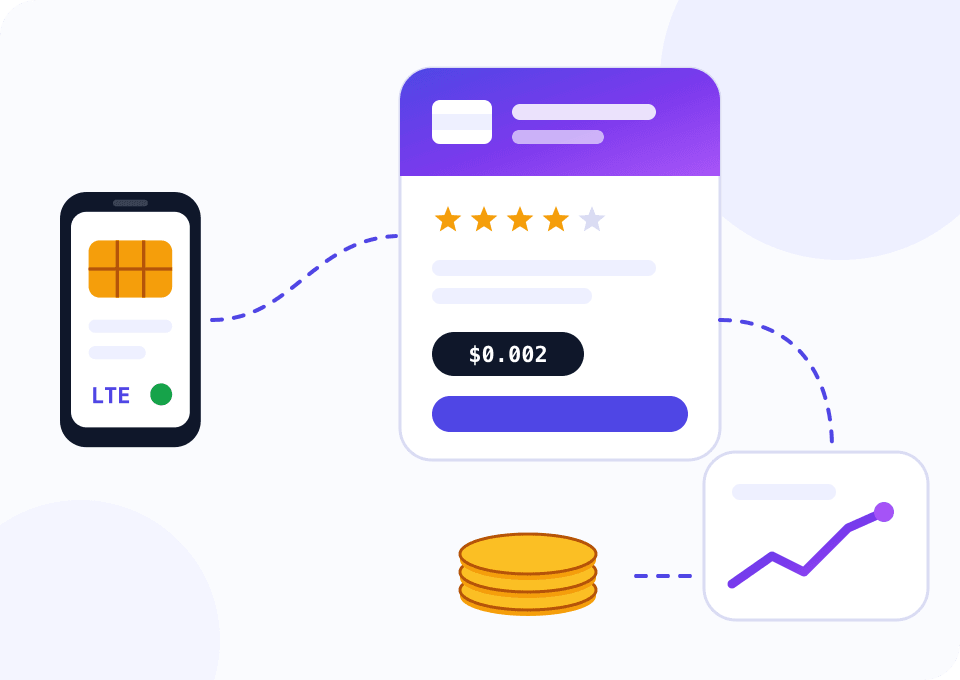
Selling directly means finding the buyer yourself, agreeing on payment, handing out access and closing it on time. On Mobihub Market your proxy goes into a public catalog. Buyers pick by country, carrier, network type, price, uptime and rating and rent it without writing to you.
Billing is per minute. The buyer tops up a wallet with crypto or in roubles by card and SBP, pays for the minimum period you set as soon as they connect, and then pays for every minute. Your share, minus the platform commission, lands in the sales wallet and after a holding period is withdrawn in USDT on the TRC20 network.
The marketplace creates the buyer's connection on your proxy and removes it when the rental ends. The IP changes on the schedule you set when listing. If the phone goes offline, the buyer's billing pauses. What you bring is a working phone on the Professional plan and your terms of sale.
Five phones for a month
The widget opens on Professional, five devices and 30 days: only proxies on Professional can be listed, and five devices bring a 6% volume discount. The “Per device / month” row is the cost of one proxy. Compare it with the revenue: the price per minute times the 43,200 minutes in 30 days times the share of time the proxy is rented.
How to list a proxy on the marketplace
There is no separate sign-up: you sign in to the marketplace with your Mobihub account.
Connect a phone on Professional
Install the Mobihub app on an Android phone with a SIM card and create a proxy on the Professional plan. The marketplace shows proxies on Beginner separately and does not let you list them.
Sign in to the marketplace with Mobihub
At mobihub.biz/market sign in with your Mobihub email and password, and the supplier role is added automatically. Choose a public name: buyers see it, and it becomes the address of your storefront.
Set your terms
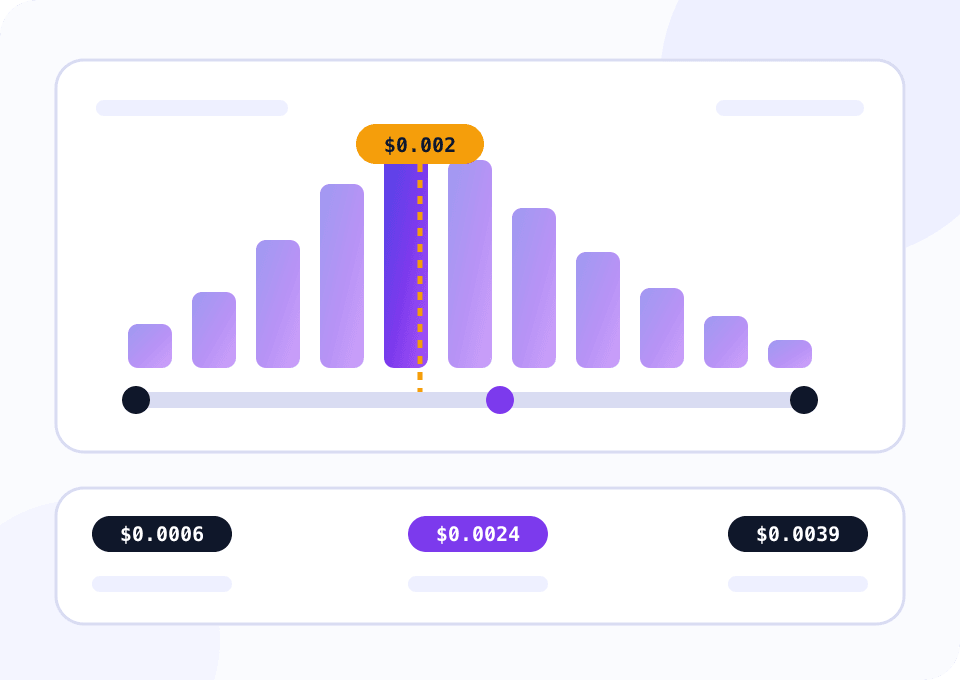
Proxies that are online show up under “Ready to sell”. Set the price per minute, the minimum period, the mode, the IP change interval and the airplane mode time. The form suggests a recommended price and shows the market price range in your country. Traffic, connection and rental time limits are optional.
Remove your own connections
The marketplace creates the buyer's connection. A proxy with your own connections cannot be listed as exclusive, and in shared mode each of your connections takes a buyer's slot.
Keep the phone online and withdraw
Income becomes available a few days after each rental closes. A payout is confirmed through a link in an email, then an administrator reviews it.
The plan for selling on the marketplace
Only proxies on the Professional plan make it to the marketplace storefront.
Your own tasks and direct sales
Beginner works for your own accounts or for selling access to a client you know. Such a proxy cannot be listed on the marketplace: the supplier dashboard puts it among the unavailable ones with a hint to change the plan.
- $4 per device for 30 days
- Automatic IP change on a timer
- Login or allowed IP list authentication
- No marketplace listing
Selling on Mobihub Market
Once a proxy moves to Professional it shows up under “Ready to sell” right away. On this plan you can cap a buyer's traffic, number of connections and rental time.
- $7 per device for 30 days
- 6% off from five devices
- Can be listed on the marketplace
- Limits on the buyer's connection
How to sell without penalties and refunds
The minimum period is a promise
By listing a proxy you commit to keeping it running for the whole minimum rental period. If the phone drops out earlier, the buyer gets a full refund at your expense. Set a period you can surely hold.
Steady power and signal
A short drop costs nothing, the buyer's billing simply pauses. A long outage closes the rentals, brings a penalty and takes the proxy off sale. Frequent drops within a short time also take it off the storefront.
An IP interval that fits the mode
In shared mode buyers cannot change the IP by hand: it changes only on your schedule and cuts the sessions of every renter at once. Pick a longer interval for shared than for exclusive.
A storefront link for your ads
Every seller has a public page with all their proxies, rating and reviews. Its address is built from your public name, which makes it easy to share in chats and listings.
Reviews start with the first rentals
A buyer rates the proxy after a rental no shorter than the minimum period. The rating shows in the catalog next to the number of deals, so the first weeks of stable work pay off later.
Questions and answers
Can I list a proxy on the Beginner plan?
Do I create connections for buyers in the Mobihub dashboard?
How do I change the price or mode of a listed proxy?
What happens if the phone goes offline during a rental?
How do I withdraw what I earn?
How much does the marketplace take?
Mobile proxies for other tasks
List your first proxy
Sign up for Mobihub, connect a phone on the Professional plan and sign in to the marketplace with the same account. A proxy that is online shows up under “Ready to sell” right away.
