Mobile proxies for YouTube
A production studio runs channels for a dozen clients, each with its own Google account, monetisation and history. A mobile address from a dedicated phone keeps those accounts from crossing paths on the network and shows how a video looks to a viewer in the right country.
- uncapped
- speed on Professional
- SmartRelay
- saves the SIM's mobile data
- Geo
- follows the SIM's country
- 7 days
- of connection statistics
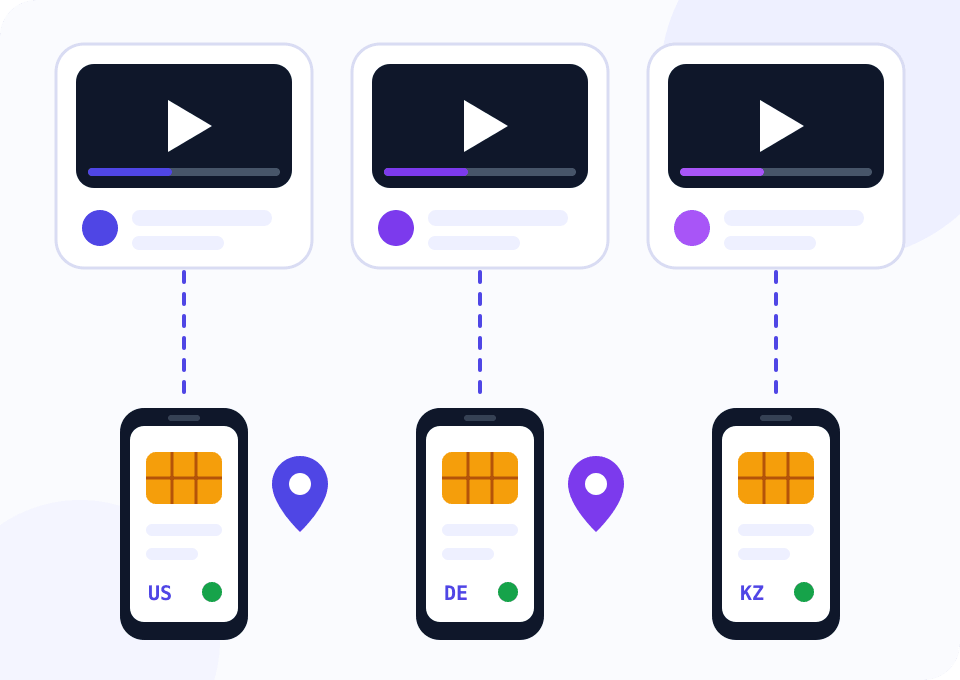
Where channels overlap and how that ends
YouTube links channels through Google accounts, and those are linked by login addresses, devices and recovery contacts. A strike or lost monetisation on one channel becomes a reason to look closer at its neighbours if they were opened from the same network.
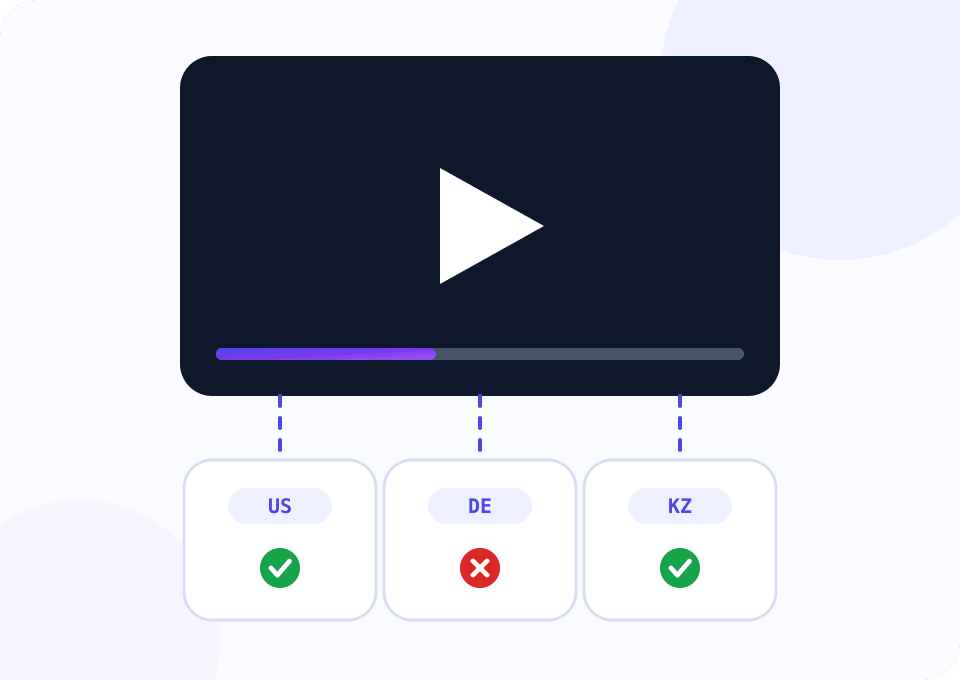
The second problem is regional. A video with licensed music can be blocked in certain countries, and the author learns about it from the comments. From the office address the same video plays fine.
A phone with a SIM from the right country handles both: the client's channel gets a permanent mobile address, and you see the video exactly as a viewer in that country does.
Two phones to start
The widget opens on Professional with two devices. Uploads are bound by speed, so the entry plan's 35 Mbps ceiling gets in the way here. The first phone serves the channels, the second one checks videos from another country.
How to run channels through a mobile proxy
The scheme is the same as with ad accounts: one client, one browser profile, one address.
Decide on the channel's country
Get a SIM from the country where the audience lives and the AdSense account is registered. Address, interface language and payment country should agree.
Connect a phone to Mobihub
Install the app, sign in and allow background activity. Keep the phone on a charger, and on Wi-Fi if you turn SmartRelay on.
Create a proxy on Professional
Enable SmartRelay: outgoing traffic goes over Wi-Fi, the mobile network is left for downloading data, and the SIM's allowance lasts longer.
One browser profile per client
Open a client's YouTube Studio only from their profile with their proxy. Give staff access through channel roles, never by sharing the password.
Check videos after publishing
Open a new video through a proxy in the audience's country or run the script below. A regional block then surfaces within the first hour.
Script: does the video play in the proxy's country
The script takes video IDs from videos.txt, opens each page through the mobile proxy and reads the playability status from the player data. The report shows which videos are available, which are blocked and why. Run it with SIMs from different countries and compare the results.
import csv
import re

import requests

PROXY = "http://LOGIN:PASSWORD@HOST:PORT"
VIDEOS_FILE = "videos.txt"
REPORT_FILE = "videos_report.csv"
WATCH_URL = "https://www.youtube.com/watch?v={video_id}"
HEADERS = {
    "User-Agent": "Mozilla/5.0 (Windows NT 10.0; Win64; x64) AppleWebKit/537.36 "
    "(KHTML, like Gecko) Chrome/126.0 Safari/537.36",
    "Accept-Language": "en-US,en;q=0.8",
    "Cookie": "SOCS=CAI; CONSENT=YES+1",
}
STATUS = re.compile(r'"playabilityStatus":\{"status":"([A-Z_]+)"(?:[^{}]*?"reason":"([^"]*)")?')

proxies = {"http": PROXY, "https": PROXY} if PROXY else None


def playability(video_id):
    url = WATCH_URL.format(video_id=video_id)
    try:
        page = requests.get(url, headers=HEADERS, proxies=proxies, timeout=30).text
    except requests.RequestException as error:
        return "REQUEST_FAILED", type(error).__name__
    match = STATUS.search(page)
    if not match:
        return "UNKNOWN", "player data not found, YouTube may have served a consent or captcha page"
    return match.group(1), match.group(2) or ""


def main():
    with open(VIDEOS_FILE) as f:
        video_ids = [line.strip() for line in f if line.strip()]

    with open(REPORT_FILE, "w", newline="") as f:
        writer = csv.writer(f)
        writer.writerow(["video_id", "status", "reason"])
        for video_id in video_ids:
            status, reason = playability(video_id)
            writer.writerow([video_id, status, reason])
            print(f"{video_id}  {status:<16} {reason}")


if __name__ == "__main__":
    main()
The script parses the public page and sees it the way a viewer does. The YouTube Data API has a regionRestriction field, but it needs a key and does not reveal age restrictions or sign-in requirements. An UNKNOWN status means YouTube served a consent page or a challenge. It is fine for a dozen of your own videos and unsuitable for crawling other people's channels in bulk.
Beginner or Professional for YouTube
The amount of video you upload decides it.
Watching and checking videos by region
35 Mbps is enough to check availability and work with comments. Uploading long videos on this plan is tedious.
- $4 per device for 30 days
- HTTP, SOCKS5 and UDP
- IP change by link
- Connection statistics for 3 days
A studio that uploads video every day
Speed is limited by the carrier network alone. SmartRelay cuts mobile data use, and a per-connection traffic limit guards against accidentally pushing raw footage through the SIM.
- $7 per device for 30 days
- Uncapped speed
- SmartRelay and a VIP server
- Traffic limit per connection
Worth knowing before the first upload
View inflation does not work
YouTube filters out views from repeating addresses without natural behaviour. A mobile proxy is for working with channels, it will not earn you views.
Upload heavy files at night
The cellular network is less busy at night and upstream is higher. Schedule long uploads for those hours.
A permanent address for a channel
Turn auto-rotation off on the phone that serves channels. Google is relaxed about a mobile network's occasional address change and wary of a change every ten minutes.
A separate recovery email per account
A shared recovery address links accounts more firmly than a network does. Create separate recovery contacts for every client.
Check the ads before the video
A proxy in the audience's country shows which ads run before the video. It helps you judge what the client's brand sits next to.
Questions and answers
How many YouTube channels can one phone serve?
Why does the YouTube widget open on two devices and Professional?
Is mobile data enough to upload an hour-long video?
Can I watch YouTube Premium or another country's content?
Does the upload address affect how a video is promoted?
What does LOGIN_REQUIRED mean in the script report?
Mobile proxies for other tasks
Check your videos from the viewer's country
Connect a phone, run your video list through the script and upload a test video over the proxy. Support switches on 24 free hours for new customers.
