Mobile proxies for TikTok
TikTok reads the account region from the network and shows your videos to viewers in that country. A phone with a local SIM card and the Mobihub app gives you an address of the right carrier, and recommendations start working for your market.
- −8%
- when paid for 90 days
- UDP
- over SOCKS5
- uncapped
- speed on Professional
- Android 9+
- no root needed

The region decides who sees the video
The For You feed is assembled around the country an account goes online from. An English-language video uploaded from another country's address lands in front of local viewers first and ends up with no watch time.
TikTok recognises server addresses quickly, and accounts on them get reduced impressions without any notice. On a carrier address the profile looks like a regular person with a smartphone.
Uploading video needs a stable channel. The Professional plan has no speed cap, and SmartRelay cuts the mobile data your SIM burns.
Accounts grow over weeks, so count by the quarter
The widget opens on Professional with three phones and a 90-day period. Paying quarterly is 8% cheaper than monthly. Three phones are enough for a brand with a main profile and two regional ones.
How to run TikTok through a mobile proxy
Order matters here: network and geo check first, account registration second.
Get a SIM from the target country
The account region is fixed at registration. The UK market needs a UK SIM, Germany needs a German one. Make sure mobile data is active on it.
Connect the phone to Mobihub
Install the app, sign in and allow background activity. On Xiaomi and Tecno also turn off battery optimisation, the FAQ has step-by-step guides.
Create a SOCKS5 proxy
Emulators and mobile apps behave more reliably over SOCKS5. The protocol carries UDP traffic as well.
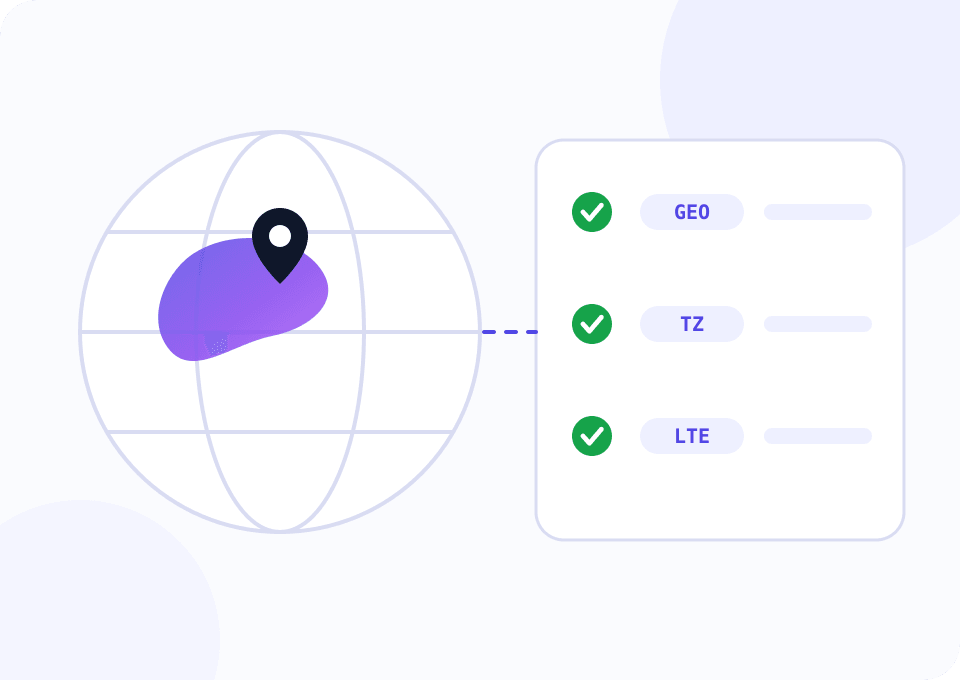
Check the geo before you register
Open the Check IP page through the proxy or run the script below. Country, time zone and network type must match what you put in the profile.
Keep the account on one phone
Switching carrier or country in the middle of an account's life resets the recommendations it has earned. Changing the IP inside one network is fine, every smartphone does that.
Script: a geo check before you start
The script walks through the phones listed in phones.csv and asks for country, time zone and network type through each proxy. It prints any mismatch and exits with code 1, which makes it a handy first step in front of a posting scheduler.
import csv

import requests

PHONES_FILE = "phones.csv"
GEO_API = "http://ip-api.com/json/?fields=status,countryCode,timezone,isp,mobile,query"


def lookup(proxy):
    proxies = {"http": proxy, "https": proxy}
    data = requests.get(GEO_API, proxies=proxies, timeout=20).json()
    if data.get("status") != "success":
        raise ValueError("geo lookup failed")
    return data


def main():
    with open(PHONES_FILE, newline="") as f:
        phones = list(csv.DictReader(f))

    problems = 0
    for phone in phones:
        try:
            geo = lookup(phone["proxy"])
        except (requests.RequestException, ValueError) as error:
            problems += 1
            print(f"{phone['name']:<12} DOWN      {type(error).__name__}")
            continue

        issues = []
        if geo["countryCode"] != phone["country"]:
            issues.append(f"country {geo['countryCode']} instead of {phone['country']}")
        if geo["timezone"] != phone["timezone"]:
            issues.append(f"timezone {geo['timezone']} instead of {phone['timezone']}")
        if not geo["mobile"]:
            issues.append("address is not marked as a cellular one")

        verdict = "MISMATCH" if issues else "OK"
        problems += bool(issues)
        print(f"{phone['name']:<12} {verdict:<9} {geo['query']}  {geo['isp']}  {'; '.join(issues)}")

    raise SystemExit(1 if problems else 0)


if __name__ == "__main__":
    main()
phones.csv has four columns: name, proxy, country, timezone. The free ip-api.com tier is meant for non-commercial use, so get their paid key or a similar service for production.
A plan for TikTok
The choice depends on how much video you upload and how many profiles you run.
One creator account
35 Mbps is enough to watch and upload short videos. A good way to test a carrier before launching a network of accounts.
- $4 per device for 30 days
- SOCKS5 with UDP support
- Connection statistics for 3 days
- Control through the Telegram bot
An account network and bulk uploads
With no speed cap a one-minute video uploads as fast as the carrier network allows. Connection statistics are kept for a week.
- $7 per device for 30 days
- 90-day period: 8% off
- SmartRelay and a dedicated VIP server
- Traffic limit per connection
Small things that sink reach
Device language is a signal too
TikTok reads the system language and time zone. Set them to the SIM's country in the emulator or browser profile.
Pause after an IP change
Give the session a couple of minutes of ordinary activity. An upload in the first second on a new address looks automated.
Watch the data allowance
Uploads eat the SIM's mobile data. A per-connection traffic limit stops one profile from draining the whole allowance.
One market per phone
Do not swap SIMs from different countries in one handset for different accounts. A separate phone per market is simpler.
Autostart after a reboot
Turn on proxy autostart. A phone that updated itself overnight gets back to work without you.
Questions and answers
Is it true that TikTok looks at the SIM and ignores the IP?
Why is the widget set to a 90-day period?
Is a mobile network fast enough to upload video?
Can I go live through a proxy?
How many TikTok accounts should one phone hold?
What if the geo check shows a different country?
Mobile proxies for other tasks
Check the region first, then create the account
A free trial day is enough to connect a phone, run the geo check and see which feed TikTok serves to your SIM's address. Message support and they will switch the access on manually.
