Mobile proxies for Google Ads
An agency needs a mobile address in two cases: to keep client accounts on separate IPs and to see an ad with its landing page the way a person with a smartphone in the target country does. Mobihub gives you that address from your own phone and your own SIM card.
- Geo
- is set by the SIM in the phone
- IPv4 + IPv6
- like real subscribers
- 1 year
- of connection logs
- 24 h
- free trial through support
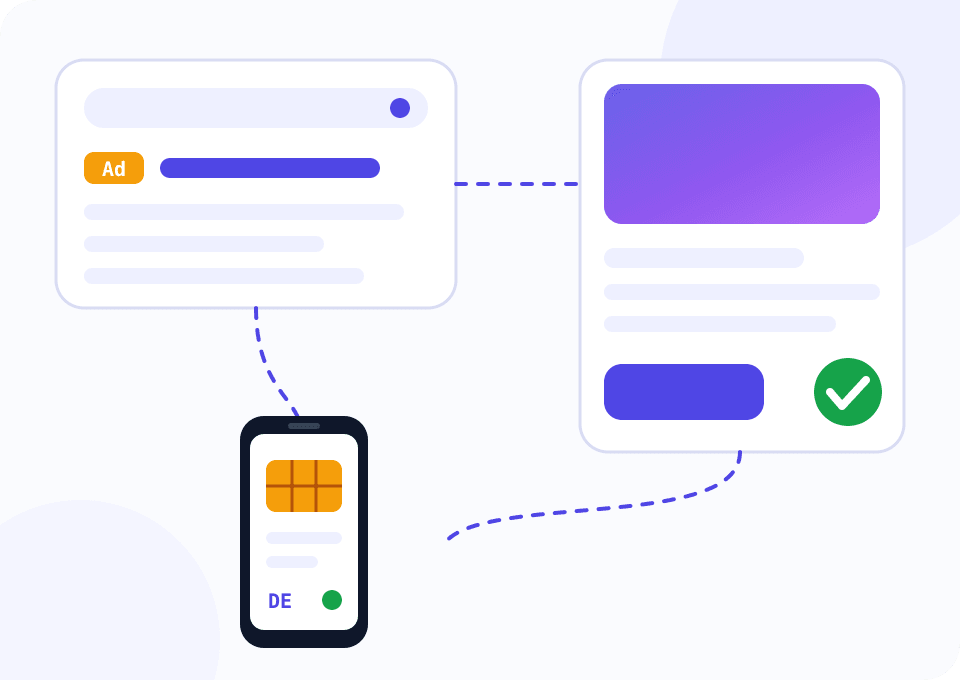
Why an advertiser needs a carrier address
Google links ad accounts by payment details, devices and login addresses. When an agency opens ten client accounts from one office IP, one client's problem casts a shadow over the neighbouring accounts.
The second job is verification. A large share of clicks comes from phones, yet ads and landing pages are usually reviewed on an office computer. A redirect that fires only on a mobile network, or a page that fails to open for one carrier, goes unnoticed until the ad is disapproved.
A phone with a local SIM card solves both. A client account gets a permanent address, and you check the ads from the same network your audience uses.
Three phones for a small agency
The widget opens on Professional with three devices. Two phones are pinned to groups of client accounts, the third one checks ads and landing pages. From five devices a 6% discount applies.
How to work with Google Ads through a mobile proxy
The setup is the same for accounts and for ad checks, only the usage pattern differs.
Pick a SIM for the target country
Campaigns for Germany need a German SIM. Google selects ads by the address location, and a check from another geo shows different results.
Connect a phone and create a proxy
The Mobihub app runs on Android 9 and newer. Once you sign in, the phone appears in the dashboard, then you create a proxy and a connection.
Create a browser profile per client
Every client gets a browser profile with its own proxy. You sign in to the client's Google account from that profile only.
Leave the account address alone
An ad account needs stability. Changing the IP every hour looks worse than the same mobile address for weeks. Keep auto-rotation off for these proxies.
Check ads from a separate phone
The verification phone is not tied to any account, so you can rotate its address before every session. Search for ads in a window that is not signed in.
Script: landing pages through a mobile user's eyes
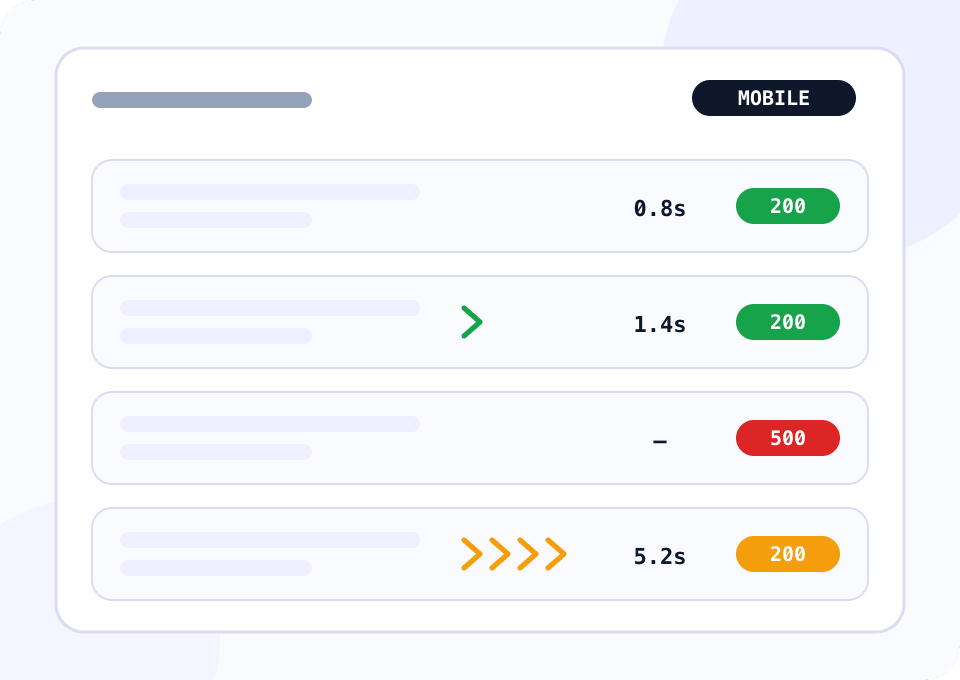
Google disapproves ads when the destination fails to open or leads somewhere else. The script walks through your landing pages over the mobile proxy with a mobile User-Agent and checks the status code, redirect count, final domain and load time. It prints the problem pages and exits with code 1, so it fits nicely into a scheduler.
import csv
import time
from urllib.parse import urlparse

import requests

PROXY = "http://LOGIN:PASSWORD@HOST:PORT"
LANDINGS_FILE = "landings.txt"
REPORT_FILE = "landings_report.csv"
MAX_REDIRECTS = 3
MAX_SECONDS = 4.0
HEADERS = {
    "User-Agent": "Mozilla/5.0 (Linux; Android 14; Pixel 8) AppleWebKit/537.36 "
    "(KHTML, like Gecko) Chrome/126.0 Mobile Safari/537.36"
}

proxies = {"http": PROXY, "https": PROXY}


def site(url):
    host = urlparse(url).hostname or ""
    return host[4:] if host.startswith("www.") else host


def inspect(url):
    started = time.time()
    try:
        response = requests.get(url, headers=HEADERS, proxies=proxies, timeout=30)
    except requests.RequestException as error:
        return {"url": url, "status": "error", "final_url": "", "redirects": 0, "seconds": "", "issues": type(error).__name__}

    seconds = round(time.time() - started, 2)
    issues = []
    if response.status_code != 200:
        issues.append(f"status {response.status_code}")
    if len(response.history) > MAX_REDIRECTS:
        issues.append(f"{len(response.history)} redirects")
    if site(response.url) != site(url):
        issues.append("final domain differs from the ad URL")
    if seconds > MAX_SECONDS:
        issues.append(f"slow: {seconds} s")
    return {
        "url": url,
        "status": response.status_code,
        "final_url": response.url,
        "redirects": len(response.history),
        "seconds": seconds,
        "issues": "; ".join(issues),
    }


def main():
    with open(LANDINGS_FILE) as f:
        urls = [line.strip() for line in f if line.strip()]

    if not urls:
        raise SystemExit(f"{LANDINGS_FILE} is empty")
    rows = [inspect(url) for url in urls]
    with open(REPORT_FILE, "w", newline="") as f:
        writer = csv.DictWriter(f, fieldnames=list(rows[0].keys()))
        writer.writeheader()
        writer.writerows(rows)

    broken = [row for row in rows if row["issues"]]
    for row in broken:
        print(f"{row['url']}  ->  {row['issues']}")
    print(f"checked {len(rows)} landing pages, {len(broken)} need attention")
    raise SystemExit(1 if broken else 0)


if __name__ == "__main__":
    main()
A fair warning: you cannot collect the search results page with ads using a script. Google serves it to real browsers only and quickly challenges automated requests. Review the ads by hand in a browser through the same proxy.
A plan for Google Ads work
A single advertiser fits into Beginner, an agency needs Professional.
One advertiser checking their own ads
The account and landing pages load quickly on 35 Mbps too. A good option for viewing your ads from a mobile network in the target country.
- $4 per device for 30 days
- IPv4 and IPv6
- Login and password or an allowed IP list
- Connection logs kept for a year
An agency with client accounts
Separate connections for specialists with limits and statistics for each. Unique IP comes in handy on the ad verification phone.
- $7 per device for 30 days
- Discount from 6% starting at five devices
- Limits and statistics per connection
- Dedicated VIP server
Practice that saves nerves
Payment details matter more than the address
One card on two accounts links them more firmly than any IP. A proxy separates accounts on the network, while payment profiles must belong to each client.
Profile time zone follows the SIM country
An account with a German address and Moscow time in the browser raises questions. Set the profile's time zone and language to the proxy country.
Check landing pages on different carriers
Blocks and DNS errors can exist on one carrier and not on another. Two SIMs from different networks give a fairer picture.
Verify without clicking your own ads
Clicks on your own ads burn budget and distort statistics. Use the Ad Preview tool inside the account through the same proxy.
Give specialists access through connections
Do not hand one login to the whole department. A separate connection per person shows in the statistics who worked and when.
Questions and answers
Will a mobile proxy bring back a suspended Google Ads account?
Why does the widget show three devices on Professional?
How many Google Ads accounts should share one address?
Will I see competitors' ads the way the audience sees them?
Do ad accounts need IP rotation?
Do Google Ads API requests need a mobile proxy?
Mobile proxies for other tasks
Look at your ads from your audience's phone
Connect a phone with a SIM from the target country and open your landing pages through the proxy. Support switches on a free day of access for new accounts on request.
