Make money with an old phone
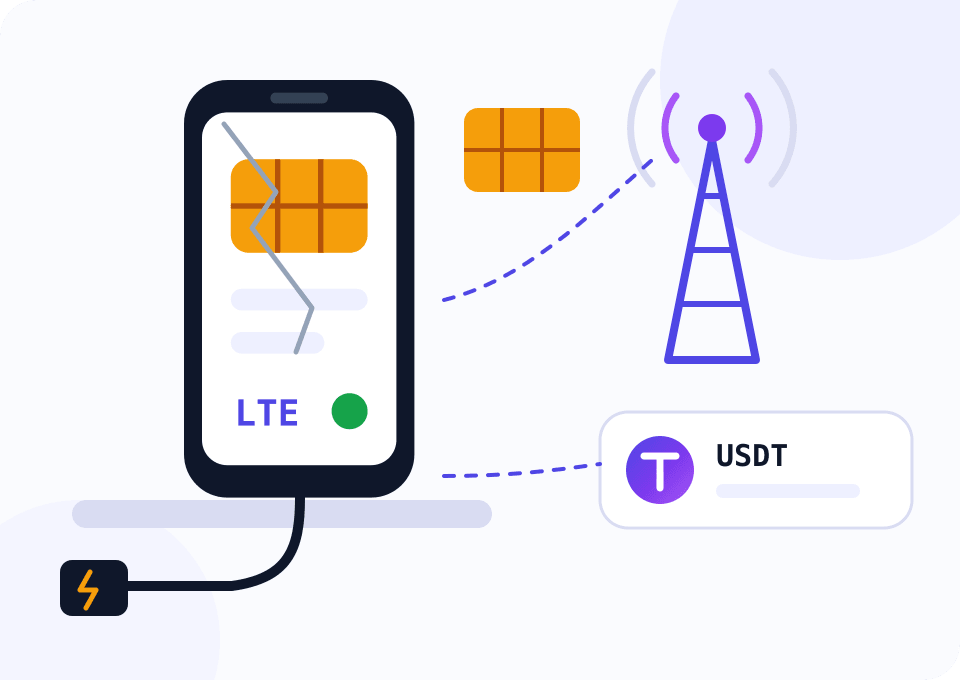
The Android phone sitting in a drawer can become a mobile proxy that you rent out. You need a SIM card with mobile data, a charger and the Mobihub app. Buyers come from Mobihub Market: they pay for every minute of a rental, and your income is withdrawn in USDT.
- Android 9+
- supported system version
- 2 GB
- of RAM is enough
- No root
- superuser rights not needed
- USDT
- marketplace income payouts
Why an old phone makes a good proxy
A proxy needs no good camera, fast processor or intact screen. The phone works as an exit point to the internet: it takes the buyer's requests and sends them over the mobile network. The Mobihub app runs on Android 9, 2 GB of RAM and a Cortex-A55 class processor, without root access.
The value of such a proxy is its address. Hundreds of subscribers share one external carrier IP, so websites trust it more than a server address. SMM teams, advertisers and people who collect data need such addresses and pay to rent them.
You don't have to look for buyers yourself. On Mobihub Market the proxy goes into a public catalog, a buyer rents it by the minute, and the marketplace creates their connection itself.
One phone for a month
The widget opens on Professional, one device and 30 days: only proxies on this plan can be listed on the marketplace. You already own the phone, so add connectivity and electricity to the “Per device / month” row. Estimate revenue with a formula: price per minute × 43,200 minutes in 30 days × the share of time the proxy is rented.
How to prepare an old phone
Setting up Mobihub itself takes a few minutes; resetting and updating the phone takes the longest.
Check and reset the phone
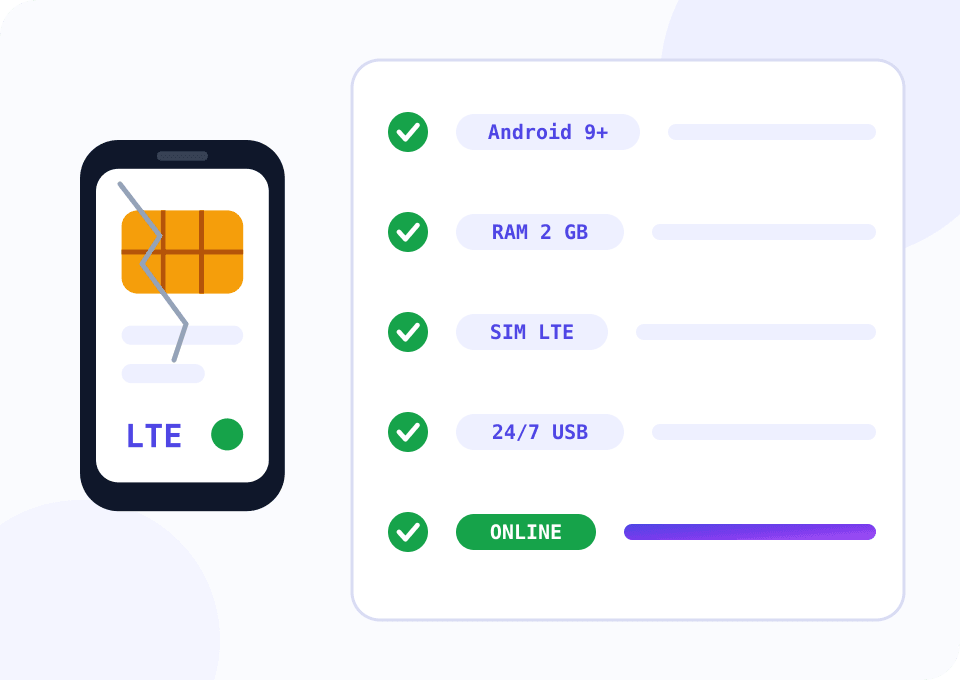
You need Android 9 or newer and at least 2 GB of RAM. Reset the phone to factory settings so none of your accounts, photos or apps that use traffic and battery stay on it.
Insert a SIM card
A plan with unlimited or large mobile data works. IP changes go through the mobile network: if the phone is online over Wi‑Fi only, the external address doesn't change, and the marketplace marks such a proxy.
Install Mobihub
Get the app from Google Play or the APK from the download page and sign in. Turn off battery saving for the app, allow it to run in the background and enable proxy autostart so it comes back by itself after a reboot.
Create a proxy on Professional
In the dashboard, create a proxy on this device. Only proxies on the Professional plan get onto the marketplace.
List the proxy on the marketplace
Sign in at mobihub.biz/market with the same Mobihub account. A phone that is online shows up under “Ready to sell”: set the price per minute, the minimum period and the mode. The form suggests a recommended price for your country.
Which plan an old phone needs
Renting a proxy out through the marketplace works only on the higher plan.
Test the phone and carrier
Beginner is enough to see how the model handles background work and how the carrier assigns addresses. Such a proxy cannot be listed on the marketplace.
- $4 per device for 30 days
- IP change by link and by timer
- For testing and your own tasks
- No marketplace listing
Rent out on the marketplace
A proxy on Professional appears in the marketplace supplier dashboard as soon as the phone is online. SmartRelay on this plan sends data over Wi‑Fi, so the SIM card uses about half the traffic.
- $7 per device for 30 days
- Can be listed on the marketplace
- SmartRelay saves SIM traffic
- Limits on the buyer's connection
How to keep an old phone and its income going
Watch the battery
An old battery on constant charge can swell. Keep the phone in the open, without a case and away from radiators, and check the body every couple of weeks.
Nothing extra in the background
After the reset don't install social apps, games or cloud photo albums. They wake up in the background, use the SIM's data and keep the proxy from running smoothly.
Wi‑Fi near the phone
If you have Wi‑Fi at home, connect the phone to it and enable SmartRelay on Professional. Websites still see the mobile IP, and the SIM card uses less traffic.
A minimum period you can keep
On the marketplace you promise to keep the proxy online for the whole minimum rental period. A phone at home gets unplugged now and then, so set a short period.
First reviews matter more than price
Start with the recommended price from the listing form. Buyers choose by rating and number of deals, and the first weeks of stable work pay off later.
Questions and answers
Will a phone with a cracked screen work?
Can I rent out an old phone without a SIM card, over Wi‑Fi only?
Should the old phone use my own SIM card or a separate one?
How much electricity does a phone running around the clock use?
What happens if I take the phone away while the proxy is rented?
Can I rent out two old phones from one account?
Mobile proxies for other tasks
Take the phone out of the drawer
Sign up for Mobihub, put a SIM card into the old phone and install the app. A proxy on the Professional plan can be listed on the marketplace right away.
